Where AiListings get Their Data
How to Improve Weak AiListings
AiListings are designed to automatically generate place-based content by pulling together publicly available information from across the internet. This includes business details, descriptions, images, and metadata from sources such as Google, business websites, and other indexed content.
Because AiListings rely on existing online data, the quality of each listing is directly tied to the strength of that digital presence. Well-established businesses with consistent information across platforms will typically generate clean, reliable listings. Businesses with limited or inconsistent information may require review and adjustment after generation.
AiListings are not intended to replace oversight. They are a tool to accelerate content creation, allowing users to focus their time on reviewing, refining, and managing listings rather than building them manually.
Where AiListings get Their Data
AiListings pull information from a combination of publicly available online sources, with Google-based data prioritized wherever possible. This includes structured business data, website content, and indexed media that help build a complete picture of a place or business.
In most cases, AiListings will reference a business’s Google Business Profile first, using it as the primary source for core details such as name, location, hours, and general overview. From there, additional context is gathered from the business’s website, Google Search results, Google Maps, and available images. Website metadata and embedded content are also used to supplement missing or incomplete information.
For descriptions, AiListings use three distinct approaches depending on the field being generated.
The Short Description is always pulled directly from existing human-written content found online. This is typically sourced from a Google Business Profile overview or the business’s website. This field does not use AI-generated text and is intended to reflect how the business describes itself publicly.
The AI description takes a broader approach. It gathers content from multiple available sources and uses Google Gemini to generate a new, unified AI-based text description. This allows the system to combine scattered information into a more complete and readable summary of the business, especially when no single strong source exists.
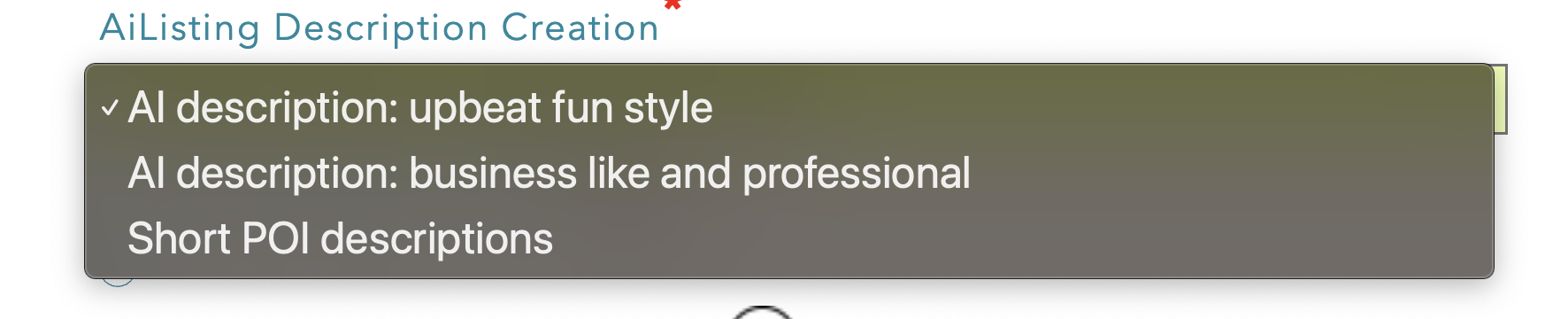
AI descriptions can be written in two different persona types, "upbeat fun style" and "business like and professional". Your organization can choose what the default persona is for these descriptions. However each AiListing can be individually set as well.
How to Review AiListings
AI-based systems for content generation all have one thing in common: a human has to proof read and vet output! So, it should not be surprising that we highly recommend our customers review all of their AiListings very carefully to ensure they are accurate and correct. The good news is that it is very easy to scan your AiListing content and catch cases that fail, and correct them. In general, you can expect 5% of your AiListings to need some work, higher if your POIs are for businesses and places that have a very weak internet presence.
The most efficient way to review AiListings is through the web app using List View. This view allows you to quickly scan multiple listings at once, making it easier to spot anything that looks incorrect or out of place before opening individual entries.
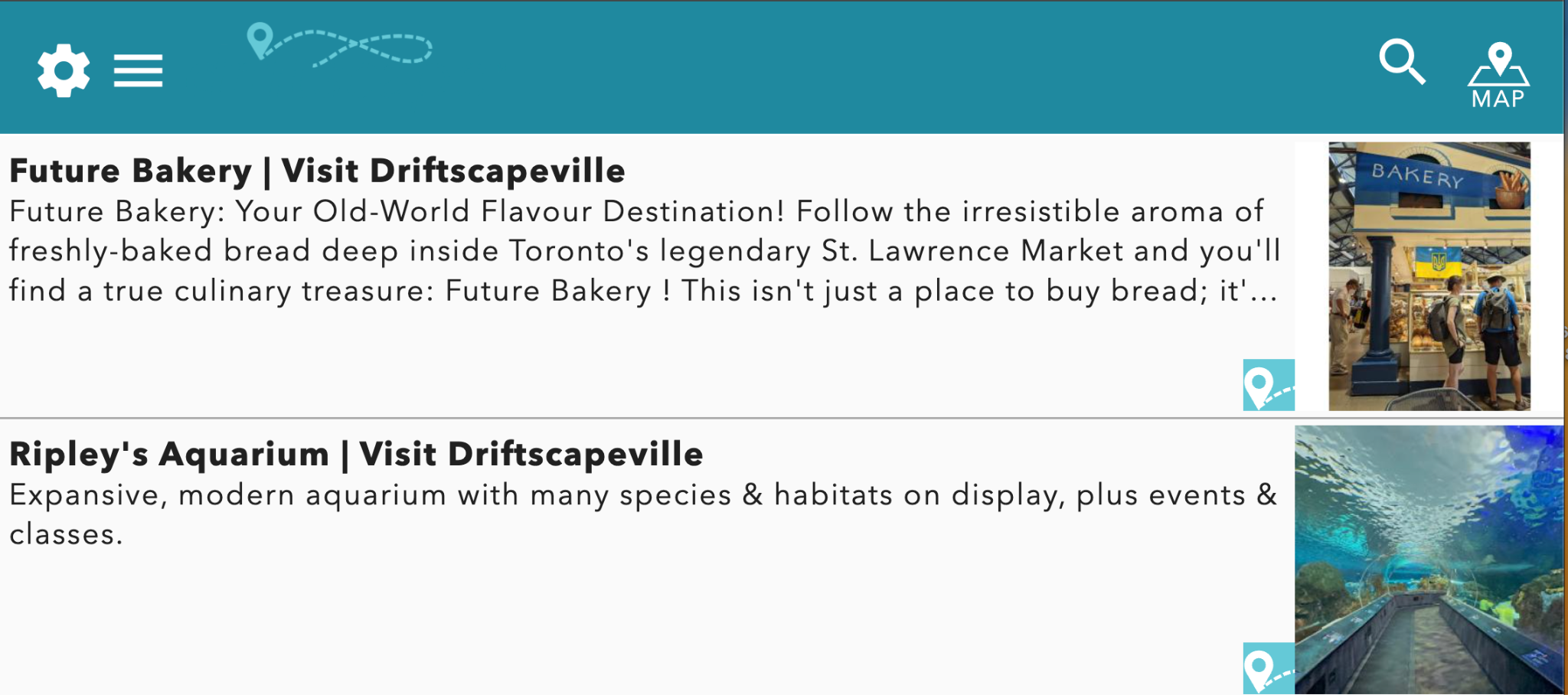
When reviewing in List View, focus on the description text and overall consistency across listings. This makes it easier to identify unusual wording, missing information, or listings that do not match the expected business. Once something stands out, open the listing and review it in full, including the description, images, and website details.
The goal of this process is not to manually review every detail of every listing, but to quickly identify and correct the few that require attention. AiListings are designed to provide a strong starting point, so most listings will only need a light review before being ready for use.
How to Improve Weak AiListings
AiListings are built using publicly available online data. When a business has a limited or inconsistent online presence, the generated content may be incomplete or require adjustments. This is most common with small businesses, home-based businesses, or locations with very little digital footprint.
In cases where a listing fails to generate entirely, this is typically due to a lack of available data. You can review how to diagnose and resolve these cases in the Failed AiListings Article.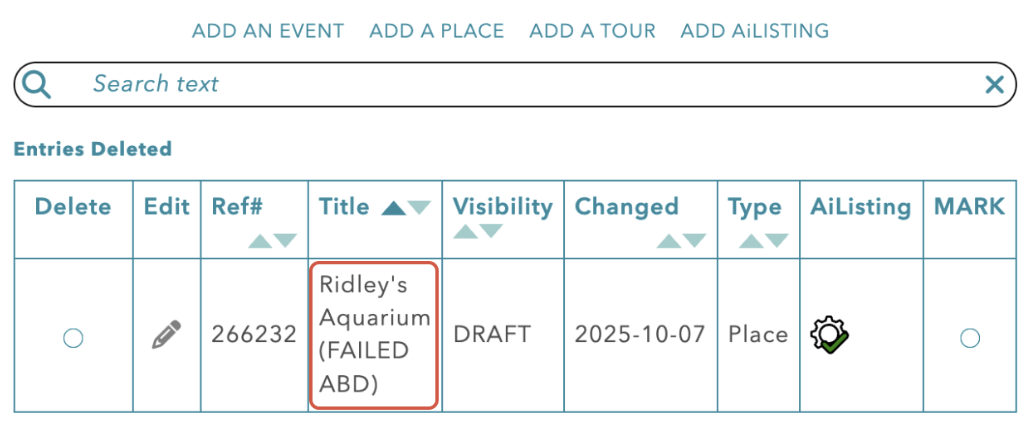
For listings that do generate but need improvement, there are several ways to refine the content depending on the issue.
Rerunning the AiListing
Sometimes, if the text is a bit off but generally in the right direction, rerunning the AiListing can sometimes result in better text. The Ai will intentionally use different text if the generated content was ambiguous from sources.
Replacing Descriptions
If the description is significantly incorrect or does not reflect the business properly, it is better to replace the content entirely. Writing a clean, accurate description ensures the listing represents the business correctly without relying on unreliable source material.
To replace the Ai generated description, edit your AiListing. Then add a new description to the AiListing Business Description Field.
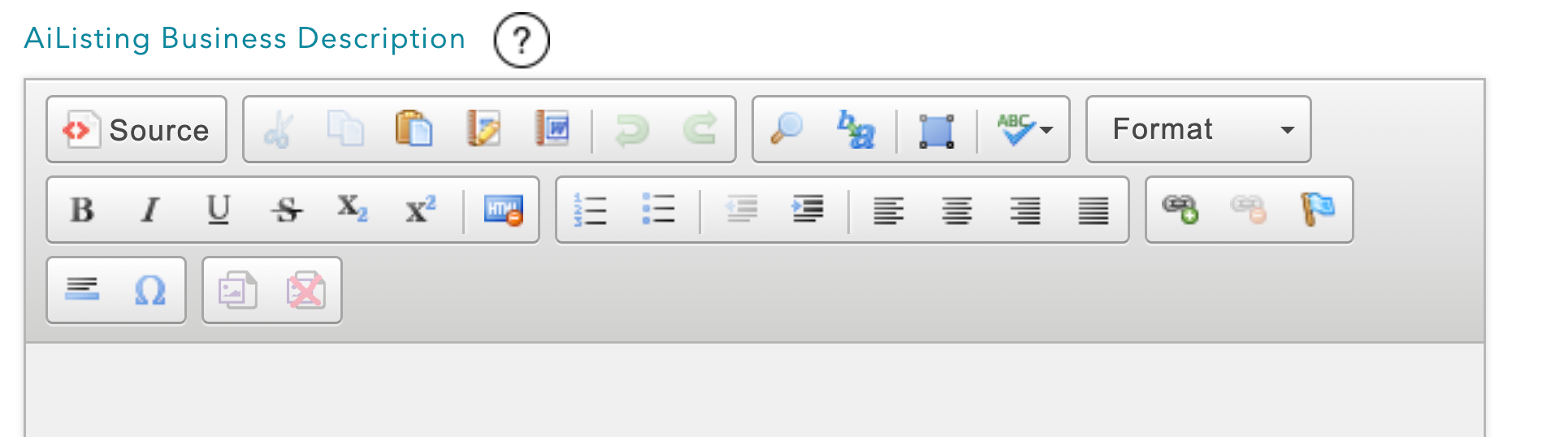
If you want to make changes to the generated description, while keeping some content. Use the “Insert Generated Description” button below the Description Editor. This will paste the Ai generated description into the editor, allowing you to make changes to the generated description.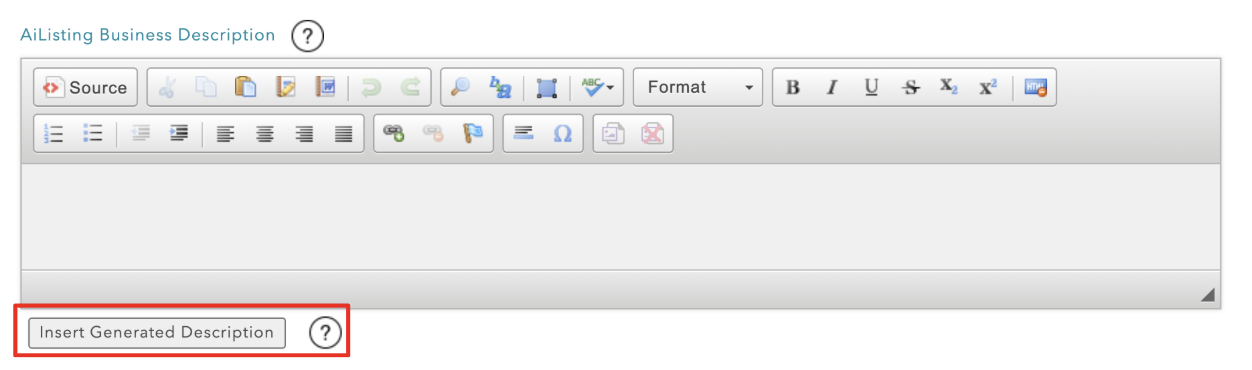
Then click update at the bottom of the page. This will refresh your AiListing, using only the business description added in the Driftscape CMS.
Removing Images
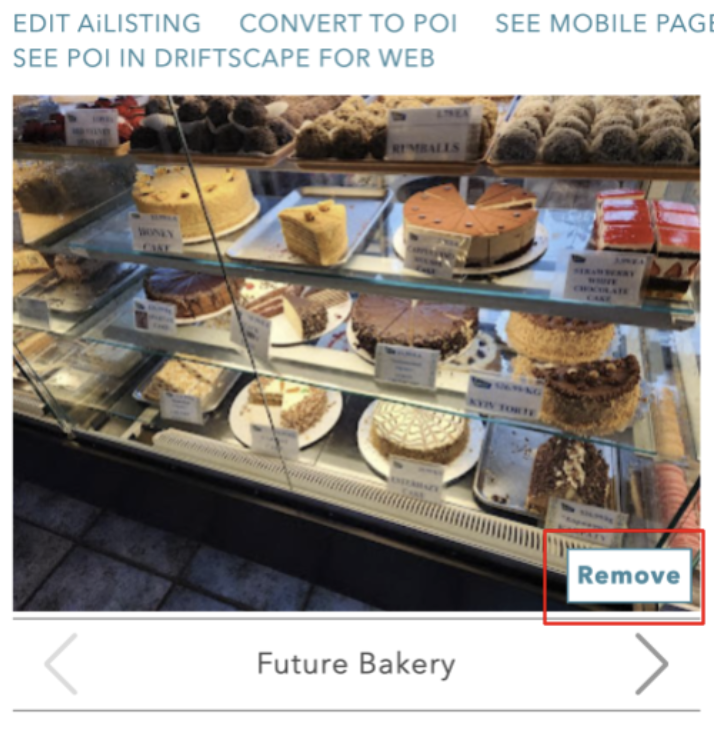
Images can also vary in quality depending on what is available online. If certain images are low quality, outdated, or not relevant to the business, they can be removed individually. Removing an image only hides it from the listing and does not trigger a replacement.
To remove an image, select the “remove” button at the bottom right of the image in the preview gallery.
In situations where all images are poor or unusable, the best approach is to remove them and upload a single high-quality image manually. This ensures the listing maintains a professional appearance, even when source content is limited. To replace the provided images, select edit AiListing. Then upload a new image to the AiListing Image Override upload box.
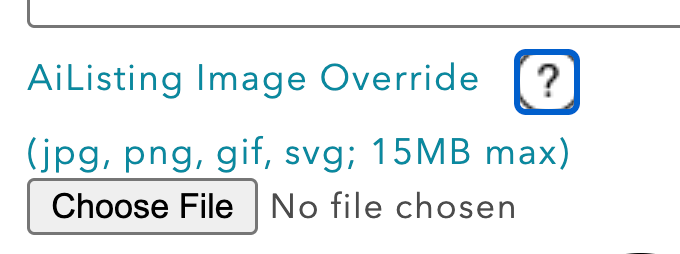
This will automatically hide all current images & only show the image uploaded.
Refreshing AiListings
AiListings can be regenerated at any time to pull in the most up-to-date information available online. To regenerate an AiListing, find the listing in your Organization content and select edit.
Then, without making any changes, select update at the bottom of the page. This will automatically regenerate the listing based on newly available online information.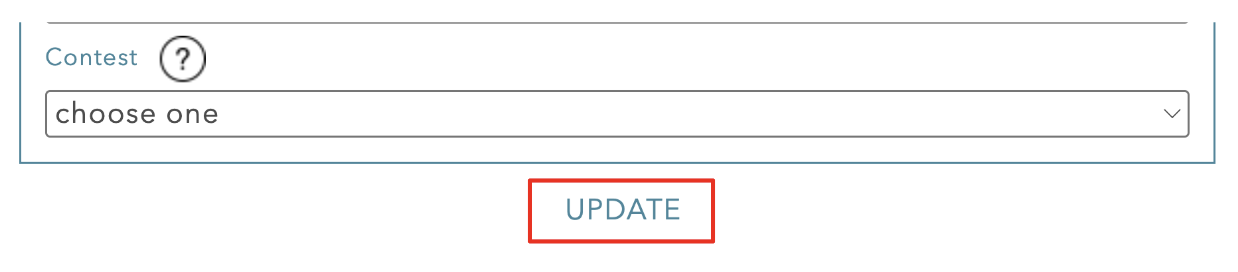
When a listing is regenerated, multiple fields may be updated as part of the process. This can include refreshed descriptions, updated images, changes to business hours, and updates to the website or other key details. The system is designed to reflect the most current version of a business based on its online presence at the time of regeneration.
There is one exception to this refresh. If you have used the “replace description” option, detailed above, your description will not regenerate. This preserves the manual descriptions added to AiListings.
If a business is identified as closed during this process, the listing will automatically move to draft status. The title will also be clearly marked to indicate that the business is no longer active, allowing it to be reviewed before any further action is taken.
If a full refresh across all AiListings is required, the Driftscape team can run this on request. This is not available as a self-serve option, as regenerating all listings requires a full review to ensure accuracy across the board.
Related Articles
Was this article helpful?
That’s Great!
Thank you for your feedback
Sorry! We couldn't be helpful
Thank you for your feedback
Feedback sent
We appreciate your effort and will try to fix the article